How to Build a Leave Management System
August 11, 2026PUBLISHED INAi Development
 ali
ali 2026-08-11 17:23:00
 0
0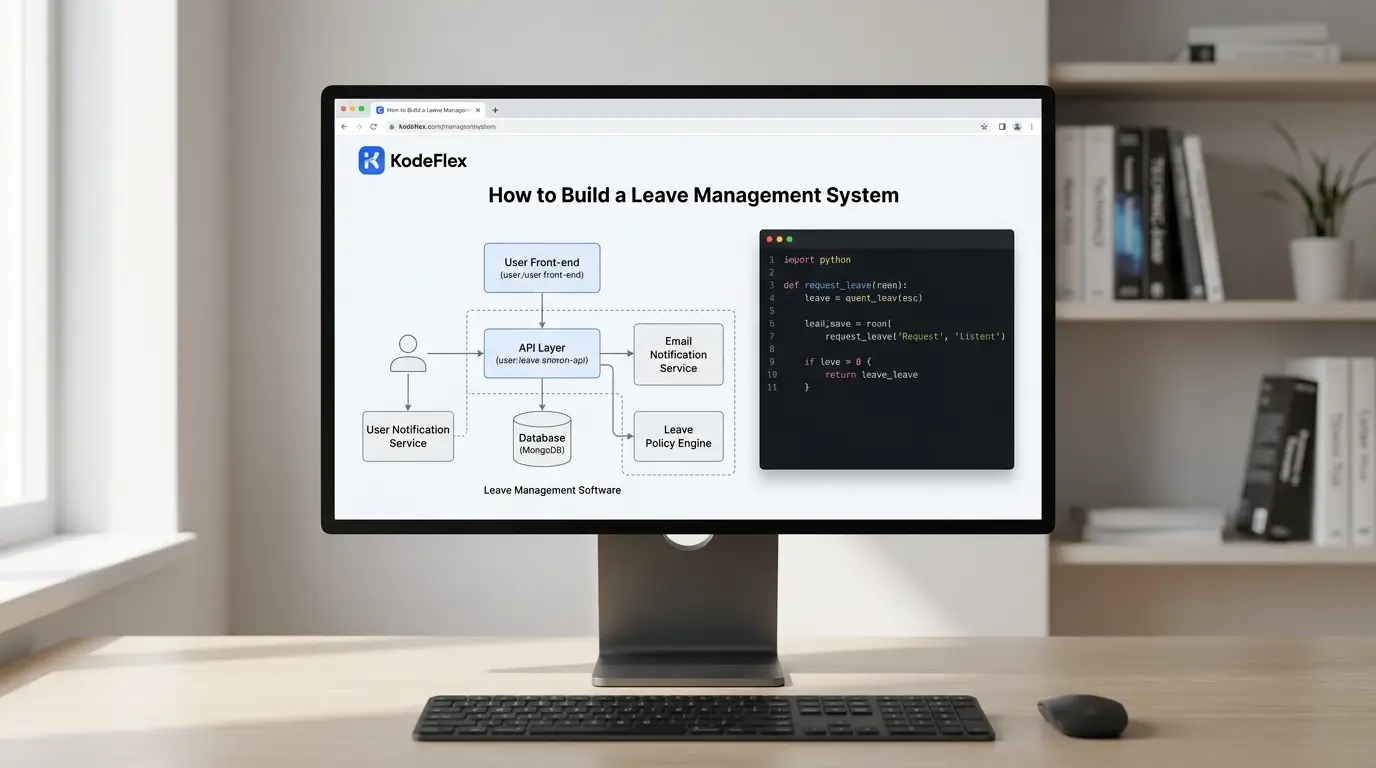
Leave requests are one of those processes that seems simple until you actually try to track it properly. Someone emails their manager, the manager approves informally, and nobody updates a shared calendar until three people book the same week off before anyone notices. A basic leave management system fixes this without requiring a full HR software platform most small and mid-sized teams don't need yet.
Here's how to build one, and the parts that actually make it useful rather than just another form.
What a Leave Management System Needs to Track
At minimum: a request form (dates, leave type, reason if required), a running leave balance per employee, an approval step tied to their manager, and a shared calendar view so teams can see who's out and when. Leave type matters more than it seems at first, vacation, sick leave, and unpaid leave often have different balance rules and approval requirements, so building that distinction in from the start avoids messy exceptions later.
Step 1: Define Your Leave Types and Balance Rules
Before building anything, write down your actual policy. How many vacation days does each employee get, and does it accrue monthly or arrive as a lump sum at year start? Does sick leave draw from a separate balance or the same pool? Are there blackout periods where leave can't be taken? If your policy has exceptions for different employee types or tenure levels, note those too, since the system will need to handle them explicitly rather than through manual overrides.
Step 2: Generate the System From a Description
Describe the workflow to KodeFlex in plain language, something like "a leave management system where employees request vacation or sick leave, it's deducted from their balance, their manager approves it, and approved leave shows on a team calendar." The platform generates a working structure: the request form, balance tracking, approval routing, and a calendar view, built on the workflow engine so balance deductions and approvals actually happen automatically rather than needing manual updates.
Step 3: Set Up Balance Accrual and Carryover Rules
This is the detail that trips up a lot of self-built systems. Decide whether unused leave carries over to the next year, expires, or caps at a certain number of banked days, and configure the accrual logic to match, monthly accrual, annual lump sum, or tenure-based increases. Getting this wrong doesn't show up immediately, it shows up months later when someone's balance doesn't match what they expected.
Step 4: Add Team Visibility Without Oversharing
Most teams want a shared calendar showing who's out, without necessarily showing why. Configure the calendar view to display approved leave dates and employee names, while keeping reason fields and balance details visible only to the employee and their manager. This balance between visibility and privacy is usually where generic spreadsheet-based systems fall short, everyone can see everything, or nobody can see anything useful.
Step 5: Test With Overlapping Requests
Submit a few test requests that overlap on the same dates, and confirm the system either flags the conflict or simply displays it clearly on the calendar for the manager to weigh, depending on how strict you want approval to be. Use instance management to test policy changes on a staging version, an updated accrual rate, for instance, before rolling it out to the live system employees are actively using.
Step 6: Publish and Handle Policy Changes Over Time
Leave policies change, a new leave type gets added, accrual rates adjust, a new blackout period gets introduced for a busy season. Since the workflow is fully editable rather than a fixed template, these changes can be made directly rather than requiring a new system or a manual workaround.
Where This Fits vs Full HR Software
A self-built leave management system works well for straightforward vacation and sick leave tracking at small to mid-sized organizations. It's a weaker fit if you need deep payroll integration, complex multi-country compliance rules, or broader HR functionality like performance reviews and benefits administration, that's where dedicated HR platforms earn their cost.
Frequently Asked Questions
Can the system automatically deduct approved leave from an employee's balance?
Yes, balance deduction on approval is standard workflow logic, so balances stay accurate without manual updates.
Can different leave types have different approval rules?
Yes, for example, sick leave might not require advance approval while vacation does. These rules are configured per leave type.
Can employees see their remaining balance at any time?
Yes, a balance view is typically part of the employee-facing dashboard, so they don't need to ask HR or a manager to check.
Does this handle multi-country leave policy differences?
It can for straightforward cases, but complex multi-country compliance is usually better handled by dedicated HR software built specifically for that complexity.
How long does this take to set up?
Most teams have a working draft in the same session, with accrual and carryover rules refined shortly after based on actual policy details.
Want to map your team's actual leave policy into a working system?
Request a demo and walk through it together.
Related Blogs
How to Build a Vendor Management App Without Code