How to Build a Vendor Management App Without Code
August 11, 2026PUBLISHED INAi Development
 ali
ali 2026-08-11 17:09:00
 0
0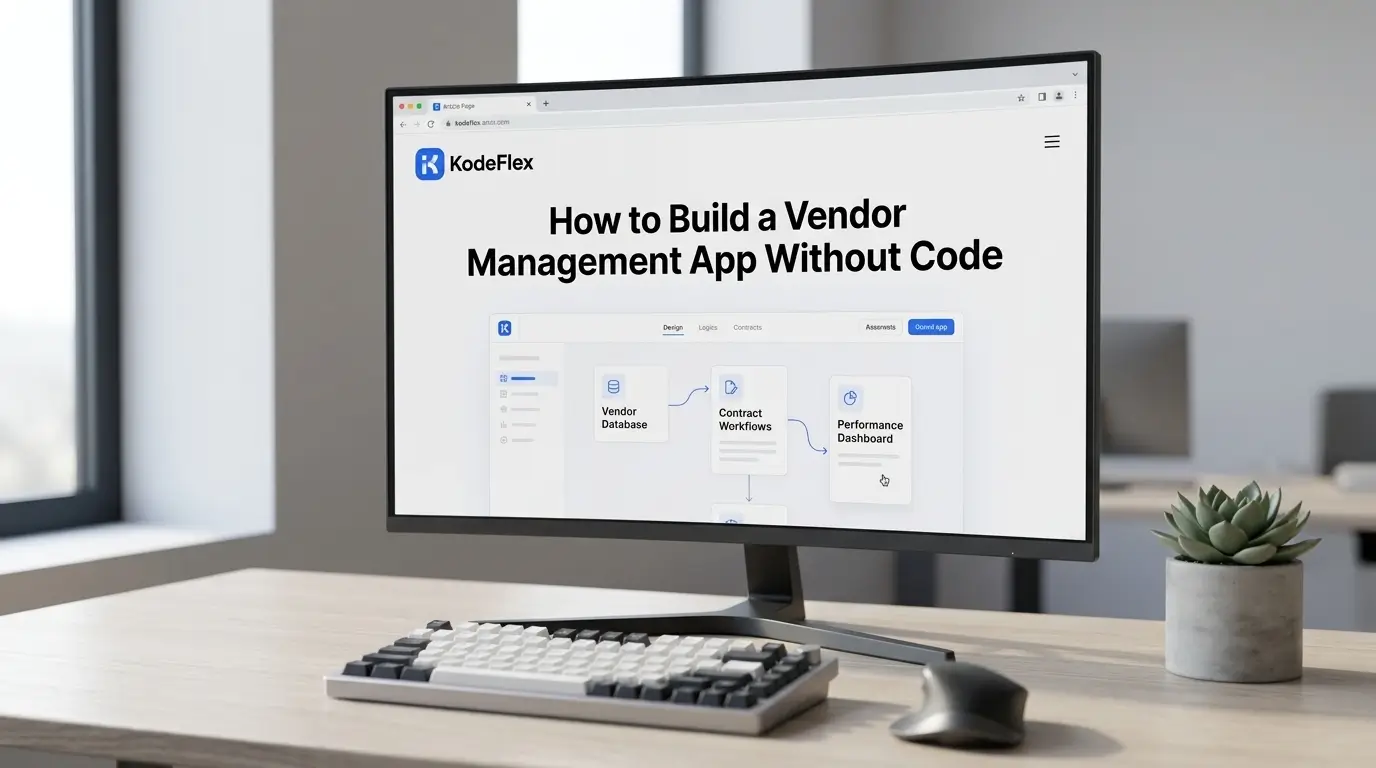
Vendor management tends to live in a messy combination of spreadsheets, email approvals, and whoever happens to remember which contracts are expiring soon. That works until it doesn't, usually right around the time a vendor's insurance certificate lapses unnoticed or a contract auto-renews because nobody caught the deadline. A dedicated vendor management app fixes the structure without requiring a full procurement software rollout.
Here's how to build one, and the details that actually prevent things from slipping through the cracks.
What a Vendor Management App Needs to Track
At the core, most vendor management needs come down to four things: a vendor record (contact info, category, status), an onboarding and approval flow for new vendors, contract and document tracking with expiration dates, and a way to flag anything that needs attention, an expiring contract, a missing document, a pending approval. Everything else, spend analytics, performance scorecards, is worth adding later once the basics are solid.
Step 1: Define Your Vendor Onboarding Requirements
Before building anything, list what actually needs to happen before a new vendor is approved to work with your company. Common requirements include a signed contract, an insurance certificate, a W-9 or tax form, and sign-off from the department requesting the vendor. Some companies also require a compliance or security review above a certain contract value. Write down your actual thresholds, since the app will enforce whatever rules you define.
Step 2: Generate the App From a Description
Describe the workflow to KodeFlex in plain language, something like "a vendor management app where new vendors are submitted with contact info and category, require manager approval, and need a signed contract and insurance certificate uploaded before being marked active." The platform generates a working structure: the vendor intake form, document upload fields, approval routing, and a status dashboard, built on the workflow engine so approval steps are actually enforced.
Step 3: Add Contract and Document Expiration Tracking
This is the piece that prevents the most common vendor management failure: things expiring unnoticed. Add expiration date fields to contracts and required documents, and set up alerts that notify the right person a set number of days before something lapses, 30 or 60 days out is typical for contract renewals. Configure this visually on the canvas rather than relying on someone remembering to check a spreadsheet.
Step 4: Build in Approval Thresholds by Spend or Risk
Not every vendor needs the same level of scrutiny. A low-cost, low-risk vendor might only need manager sign-off, while a higher-spend or higher-risk vendor (anyone handling sensitive data, for instance) might need additional compliance or security review. Building these different approval paths in from the start avoids either bottlenecking every vendor with heavy review or letting risky vendors through with too little oversight.
Step 5: Test the Full Onboarding Flow
Run a test vendor through the entire process, submission, document upload, approval routing, and status changes, to confirm alerts fire correctly and nothing gets stuck without a clear next step. Use instance management to test changes to approval thresholds on a staging version before they affect vendors already in the live system.
Step 6: Publish and Keep It Current
Once live, vendor management apps need occasional upkeep as company policy changes, new compliance requirements, updated approval thresholds, additional document types. Treat it as a living tool with an owner, not a one-time build, since vendor requirements tend to shift as a company grows.
Where This Fits vs Dedicated Procurement Software
A self-built vendor management app works well for companies with a moderate number of vendors and fairly standard onboarding and approval needs. It's a weaker fit for large enterprises managing hundreds of vendors with complex spend analytics, sourcing workflows, and deep ERP integrations, where dedicated procurement platforms have already built out that specific depth.
Frequently Asked Questions
Can the app alert us before a contract expires?
Yes, expiration alerts based on contract or document dates are a standard part of the workflow, notifying the right person a set number of days in advance.
Can different vendors go through different approval paths?
Yes, approval routing can vary by spend level, risk category, or vendor type, so low-risk vendors aren't stuck in the same review process as high-risk ones.
Can vendors upload their own documents?
Document upload fields can be built into the intake form, whether filled out internally or shared with the vendor to submit their own paperwork.
How long does this take to set up?
Most teams have a working draft in the same session, with expiration tracking and approval thresholds refined shortly after based on actual policy.
Is this a full replacement for procurement software?
For moderate vendor volume with standard approval needs, often yes. Large-scale procurement with deep spend analytics and ERP integration usually still benefits from dedicated procurement platforms.
Want to map your team's actual vendor approval process into a working app?
Request a demo and walk through it together.
Related Blogs

How to Build a Ticketing System Without Code