How to Build a Customer Portal Without Code
August 8, 2026PUBLISHED INAi Development
 ali
ali 2026-08-08 12:41:00
 0
0
A customer portal is usually the thing companies know they need but keep putting off, because it sounds like a bigger engineering project than it actually has to be. At its core, most customer portals just need to do three things: let a customer log in, show them information relevant to their account, and let them take a small number of actions, submit a request, check order status, update details. None of that requires a custom-built platform from scratch.
Here's how to actually build one, and where the real decisions are.
Step 1: Decide What the Portal Actually Needs to Do
Before building anything, list the handful of things customers actually ask for repeatedly. Common examples include checking order or ticket status, updating contact or billing information, downloading invoices, or submitting a support request. Resist the urge to build every feature you can imagine, a portal that does three things well gets used, one that tries to do fifteen things gets abandoned halfway through.
Step 2: Set Up Authentication and Account Access
Every customer portal needs a login layer tied to account data, whether that's a simple email and password setup or something tied to an existing customer database. Decide upfront whether each customer sees only their own data (the standard for most portals) or whether some users need access to a broader account, common in B2B contexts where one company account has several logged-in employees.
Step 3: Generate the Core Structure From a Description
KodeFlex in plain language, something like "a customer portal where clients log in, view their open support tickets, submit new requests, and see invoice history." The platform generates a working structure: login flow, a dashboard view, request forms, and status tracking, built on the same workflow engine used for internal business apps, just customer-facing instead.
Step 4: Refine the Layout and Add Business Logic
Adjust what the AI generated to match your actual account structure. Add fields specific to your business, order numbers, subscription tier, account manager contact. If certain actions need approval before taking effect, a billing change request, for example, wire that into the workflow so it routes to the right internal team rather than applying instantly. This is also where you'd decide what customers can see versus what stays internal-only.
Step 5: Test as an Actual Customer Would
Log in as a test account and go through every action a real customer would take, submitting a request, checking status, updating a field. Pay attention to what happens when something goes wrong, an empty state with no data, a form submitted with a missing field, since these edge cases are where customer-facing tools tend to feel unfinished if they weren't tested carefully.
Step 6: Publish and Plan for Iteration
Instance management lets you test new features on a staging version before rolling them out to customers already using the live portal.
What a Self-Built Portal Handles Well, and Where It Doesn't
This approach works well for account access, request submission, status tracking, and document access, the bulk of what most customer portals actually need to do. It's a weaker fit for portals requiring heavy real-time data (live chat, complex payment processing with PCI compliance needs) or deep integration with a specialized existing system, those cases often still benefit from purpose-built software or a more involved technical build.
Frequently Asked Questions
Can a no-code customer portal handle secure login?
Yes, authentication is a standard part of the portal structure, tied to whatever account or customer data source you connect it to.
Can different customers see different data in the same portal?
Yes, portals are typically built so each logged-in user only sees information tied to their own account, unless you specifically configure broader access for certain roles.
How long does it take to build a basic customer portal this way?
Most teams have a testable draft within the same session, though refining it to match specific business rules can take longer depending on complexity.
Can the portal integrate with our existing customer database?
That depends on your specific setup and data source. Evaluate what your portal needs to connect to before building, since that shapes the account access step significantly.
Is a self-built portal secure enough for sensitive customer data?
For most standard use cases, yes, though anything involving highly sensitive data like payment processing should be evaluated carefully against relevant compliance requirements before launch.
Want to map out your customer portal together?
Request a demo and walk through what your customers actually need.
Related Blogs
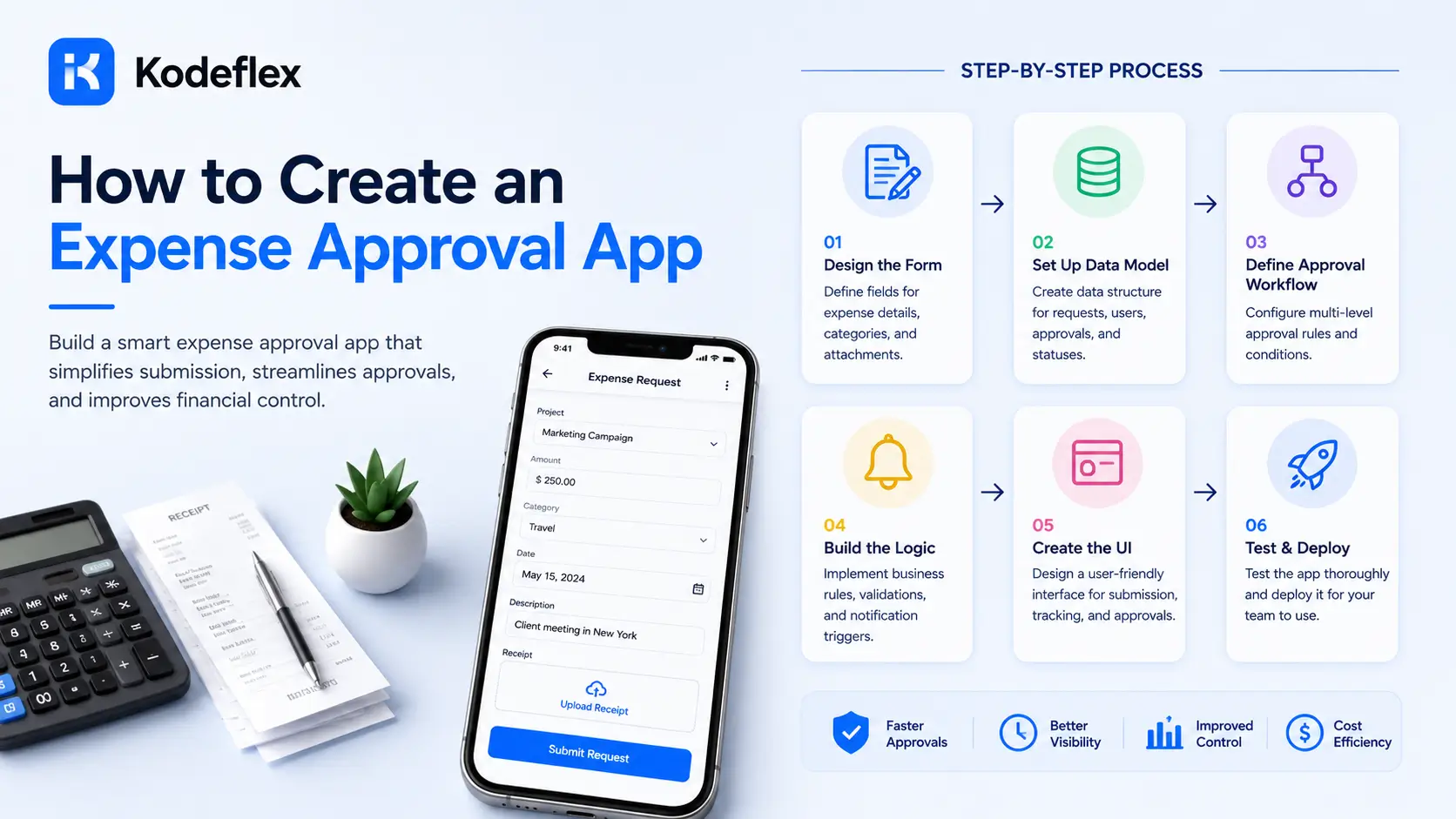
How to Create an Expense Approval App