How to Build an AI App: Step by Step Guide
5 days agoPUBLISHED INAi Development
 ali
ali 2026-09-18 17:50:00
 0
0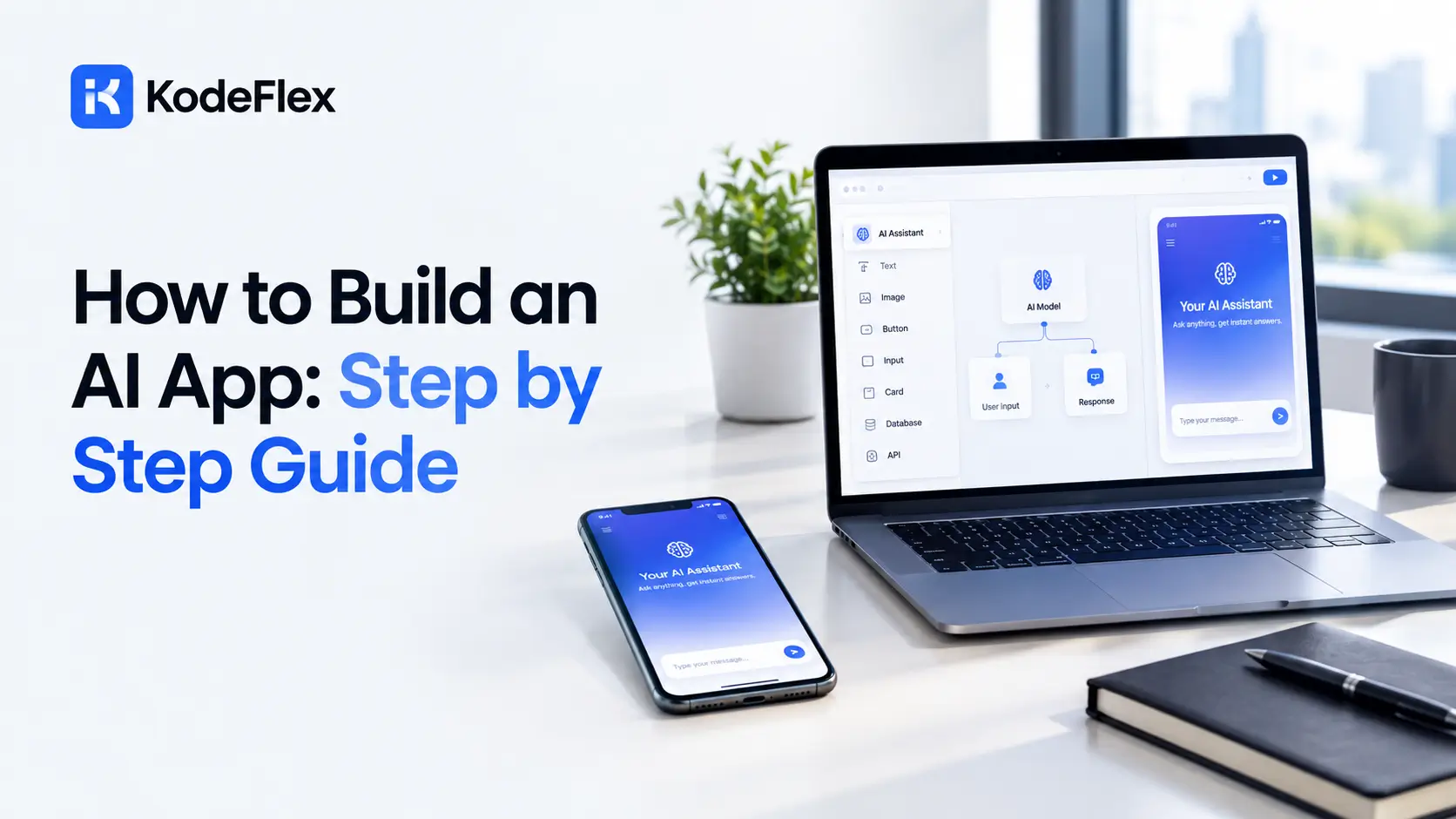
Learning how to build an AI app comes down to a handful of concrete steps, define what the app needs to do, describe it clearly, refine the generated draft, then test it with real people before launch. None of it requires writing code, but each step still deserves real attention if the result is going to actually work for the people using it.
Step One: Define Exactly What the App Needs to Do
Before touching any tool, get specific about the actual process your app needs to support, not just a vague concept of what it should be.
Questions Worth Answering First
-
Who is using this app, and what are they trying to accomplish each time they open it
-
What data does the app need to collect, store, and display
-
Are there multiple user roles, like an employee and a manager, who need different views or permissions
-
What should happen automatically, and where does a human need to make a decision or give approval
Writing these answers down before you start, even roughly, saves real rework later. A vague starting point produces a vague first draft.
Step Two: Write a Clear Description for the AI to Generate From
The quality of your written description directly shapes the quality of the first draft you get back.
What Makes a Strong Prompt
-
Describe the core workflow in plain, specific language, not abstract goals
-
Mention the actual fields and data you need tracked, not just the general topic
-
Include who uses the app and what they should see, if there’s more than one type of user
-
Reference a familiar comparison if it helps, like “similar to a ticket tracker, but for equipment checkout”
A weak prompt like “build me an inventory app” produces a generic result. A stronger one, describing exactly what gets tracked, who checks items in and out, and what should trigger a low stock alert, produces something far closer to what you actually need on the first attempt.
Step Three: Refine the Generated Draft
The first draft is a starting point, not a finished product, and refining it is where the app actually becomes useful.
-
Test the core workflow yourself exactly the way a real user would
-
Adjust the data fields and forms if anything generated doesn’t match what you actually need
-
Add or adjust approval steps and conditional logic where the process branches
-
Clean up the interface so it’s genuinely clear to someone seeing it for the first time, not just to you
This generation and refinement cycle is often called text to app generation, since the written description does the initial heavy lifting before visual editing takes over. For a deeper technical look at how that process actually works, see this guide on text-to-app generation.
Step Four: Test With Real People Before Launch
An app that makes sense to the person who built it can still confuse everyone else, so testing with actual users matters more than most builders expect.
-
Ask a colleague unfamiliar with the project to complete the core task without your guidance
-
Watch where they hesitate or get confused, since that’s more useful feedback than asking them directly afterward
-
Test what happens with messy, real world data, not just the clean example you used while building
-
Fix anything that caused genuine confusion before rolling the app out more broadly
Step Five: Launch and Plan for Ongoing Adjustments
Launching isn’t really the end of the process, since real usage almost always surfaces something the initial build didn’t anticipate.
-
Roll it out to a small group first if the app affects more than a handful of people
-
Collect feedback actively during the first few weeks rather than waiting for complaints
-
Expect to make small adjustments as edge cases show up that testing didn’t catch
-
Revisit the workflow periodically as the underlying business process itself evolves over time
What Mistakes Should You Avoid Along the Way?
A few patterns show up repeatedly among people building their first AI generated app.
-
Writing a vague initial description and expecting the platform to guess the missing details correctly
-
Skipping the refinement step entirely and shipping the raw first draft without testing it properly
-
Building every possible feature before testing the core workflow with real people
-
Forgetting to plan for exceptions, like what happens when an approver is unavailable or a required field gets left blank
What Does a Real Example Look Like Start to Finish?
Walking through one concrete example makes the whole process easier to picture than an abstract list of steps.
Building a Vendor Onboarding App
-
A procurement manager defines the need: collect vendor documents, route them for review, and track approval status
-
The written description specifies the exact fields needed, business license, tax documents, insurance certificate, and who reviews each one
-
The generated first draft includes a submission form, a reviewer dashboard, and status tracking
-
Refinement adds a conditional step, flagging vendors missing required insurance coverage for a second review
-
Testing with the actual procurement team catches a confusing label on the submission form before it goes live
-
The app launches to a small group of vendors first, then rolls out fully once the workflow proves reliable
That single example touches every step in this guide, definition, description, refinement, testing, and a careful launch, which is roughly how most real projects actually unfold in practice.
How Is This Different From Traditional App Development?
Traditional development starts with a specification document and hands it to a development team, who then spend weeks or months writing code before you see anything real. Building an AI app flips that order entirely.
-
You see a working draft within hours instead of weeks, which makes it far easier to catch a misunderstanding early
-
Changes happen through refinement and re describing, not a formal change request process
-
The cost of experimenting with a different approach is low, since a wrong turn costs an afternoon rather than a sprint
That speed is exactly why this approach works so well for internal business tools, where the requirements are often clearer to the people who’ll use the app daily than to anyone writing a formal specification document.
Frequently Asked Questions
Do I need any technical background to build an AI app this way?
No, though understanding your process clearly matters more than any technical skill when writing the initial description.
How long does it typically take from idea to a working first draft?
Often minutes to a few hours for the initial generation, though refining it properly usually takes longer, sometimes a few days for a genuinely complex workflow.
What if the first draft doesn’t match what I actually wanted?
That’s normal and expected. Refining the generated draft, adjusting fields, logic, and layout, is a core part of the process, not a sign something went wrong.
Can I build an app with multiple user roles this way?
Yes, most platforms support different permissions and views for different user types, though describing that clearly in your initial prompt helps the first draft get closer to correct.
Is testing with real people actually necessary if the app seems to work fine myself?
Yes. Confusion that’s invisible to the person who built the app is often obvious to someone seeing it for the first time, and that gap only shows up through real testing.
Ready to try building something this way?
See how KodeFlex generates a working app from a plain language description, or request a demo to see it built around your own process.
Related Blogs

AI SaaS Builder: Launch a SaaS Product, No Code