Drag and Drop iOS App Builder: Build Mobile Apps with AI
August 5, 2026PUBLISHED INAi Development
 ali
ali 2026-08-05 18:31:00
 0
0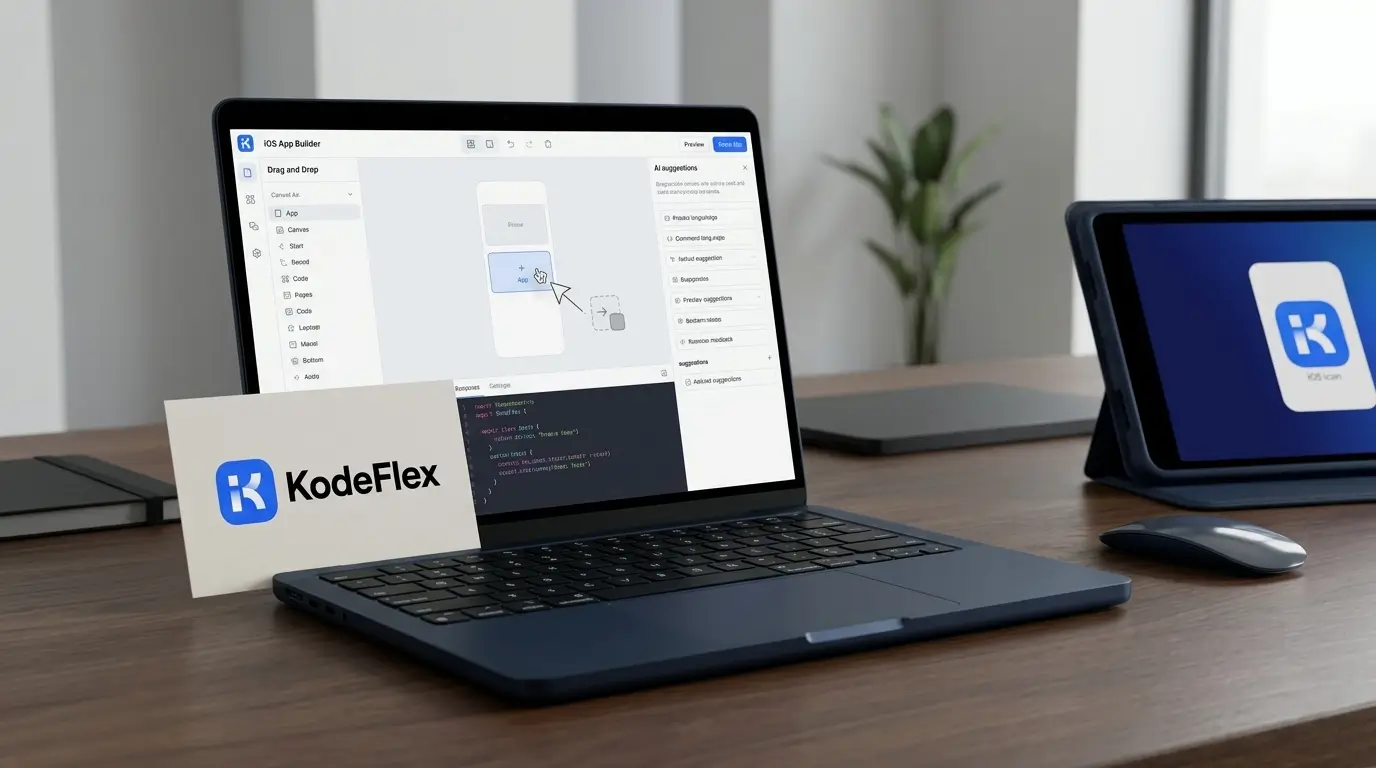
Building an iOS app the traditional way usually means hiring an iOS developer, learning Swift yourself, or waiting weeks for a request to move through an already full dev queue. A drag and drop iOS app builder skips most of that. You assemble the app visually, screens, buttons, forms, navigation, instead of writing native code, and the platform handles the underlying build.
The newer generation of these tools, KodeFlex included, adds AI on top of that model. Instead of starting from an empty screen and placing every element by hand, you describe what the app needs to do, and get a working starting point to refine.
What a Drag and Drop iOS App Builder Actually Does
At its core, this kind of tool replaces hand-written Swift or SwiftUI code with a visual canvas. You place components, a login screen, a list view, a form, a settings page, and connect them into a working flow. No compiling, no dealing with Xcode directly, no debugging low-level UI code.
That's useful on its own. It's especially useful for internal or business-facing mobile apps that don't need the polish of a flagship consumer app, things like a field service checklist, an internal inventory scanner, or a simple approval app for managers on the go. These are exactly the kind of apps that tend to sit at the bottom of a dev team's priority list, not because they're unimportant, but because they're small relative to everything else competing for developer time.
How AI Changes the Starting Point
KodeFlex starts differently. Describe the app you need, something like "a mobile app for field technicians to log completed jobs and upload photos," and it generates a working first version: the screens, the basic navigation, the data structure behind it.
From there, the drag and drop part takes over. Everything the AI generated is editable on a visual canvas, so you can rearrange screens, change a field type, add a step to the flow, all without writing code. The AI handles the tedious first draft, and you handle the parts that actually need a human decision.
Building a Simple iOS App: What the Process Looks Like
A typical build tends to follow a pattern like this:
-
Describe the app's purpose in plain language, what it needs to do and who's using it.
-
Review the generated screens and flow. This is usually close but rarely perfect on the first pass.
-
Adjust visually, reorder screens, change form fields, tweak navigation, all by dragging and dropping.
-
Preview the app as it would actually run, before publishing anything.
-
Publish and manage versions through instance management, so testing and live versions don't collide.
For a straightforward internal app, most people have something testable well before they'd have finished writing a project brief for a traditional dev request.
KodeFlex vs Traditional Drag and Drop iOS Builders
The gap isn't really about the drag and drop mechanic, both categories have that part. It's what happens before you start dragging anything. One approach hands you a blank screen. The other hands you a working app to adjust.
Who This Is Actually Useful For
This kind of tool tends to make the most sense for teams building internal or operational mobile apps rather than consumer-facing products meant for the App Store at scale. Field service teams, warehouse and inventory staff, sales reps needing a lightweight tool on the road, and IT teams fielding requests for small mobile utilities all fit this pattern well. If you're building the next major consumer app with heavy custom animation and deep platform-specific features, traditional native development is still the better fit.
Frequently Asked Questions
Do I need to know Swift to use a drag and drop iOS app builder?
No. That's the point of the tool. You work visually and, with an AI-powered builder like KodeFlex, through plain-language descriptions instead of writing native code.
Can these apps be published to the App Store?
Drag and drop builders vary in how they handle App Store deployment. Check the specific platform's documentation for its publishing process, since requirements differ by tool.
Is an AI-generated app draft usually accurate on the first try?
It's a solid starting point, but rarely perfect. The visual canvas exists specifically so you can adjust anything that isn't quite right after the initial generation.
What kinds of apps work best with this approach?
Internal and operational apps, field tools, approval workflows, tracking apps, tend to be the strongest fit. Consumer apps needing heavy custom design usually still benefit from native development.
Is my app's data secure with an AI app builder?
Look for private deployment support if that matters to your organization. It keeps the app and its data inside your own infrastructure rather than a shared public cloud.
Request a demo and describe the mobile app your team actually needs.
Related Blogs

Enterprise App Builder: How AI Speeds Up App Development