
Data Entry Automation Software: Best Tools
2 hours agoPUBLISHED INAi Development
 ali
ali 2026-09-25 04:55:00
 0
0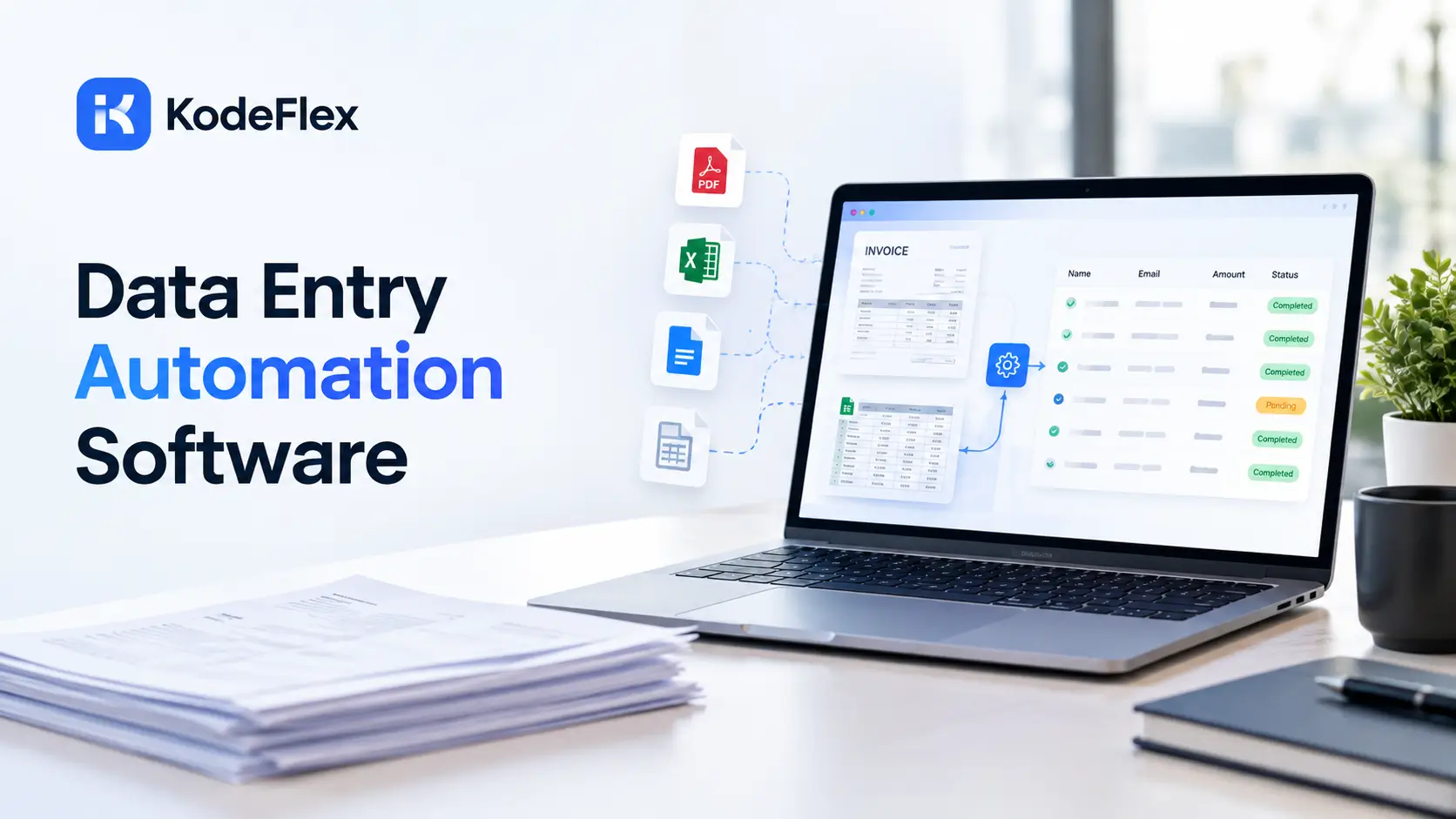
Manual data entry is one of the most reliably wasteful tasks in a typical office, repetitive, error prone, and rarely anyone’s favorite part of their job. Data entry automation software fixes this by extracting information from documents, forms, or one system and pushing it into another, without a person retyping any of it. Here’s how the leading tools actually compare in 2026.
What Does This Category of Tool Actually Do?
These tools capture information from a document or source system and transfer it automatically into wherever it needs to end up, a database, an ERP, an accounting platform, eliminating the manual retyping step entirely.
The Core Capabilities Worth Expecting
-
Document extraction, pulling structured fields out of invoices, receipts, or forms automatically
-
Validation and human review, flagging anything uncertain for a person to confirm before it posts
-
Integration with the destination system, pushing extracted data directly into an ERP or accounting tool
-
Handling layout changes, adapting to new document formats without needing manual reconfiguration every time
How Do the Leading Tools Actually Compare?
Different platforms specialize in different types of data entry work, and matching the tool to your specific challenge matters more than picking the most well known name.
-
Rossum: specializes in financial documents like invoices and purchase orders, self learning AI that adapts to layout changes without templates, strong human review interface for accounts payable teams
-
UiPath: enterprise grade robotic process automation, handles data entry across web apps, legacy systems, and PDFs at scale, pricing is enterprise tier and typically requires a significant annual commitment
-
Docsumo: strong for structured document extraction, particularly suited to lending and insurance use cases
-
Nanonets: flexible AI extraction across a broader range of document types beyond just financial documents
-
Microsoft Power Automate: combines system to system automation with desktop level RPA capabilities, licensing gets complex once you add the premium connectors and AI Builder credits actually needed for serious use
Which Tool Fits Which Kind of Work
-
If your challenge is specifically invoices and purchase orders, Rossum or Docsumo are purpose built for that
-
If you need data entry automation across legacy desktop applications with shifting user interfaces, UiPath handles that more directly
-
If your team already pays for Microsoft 365, Power Automate offers a reasonable starting point before the premium add ons become necessary
-
If your documents span a wider variety of formats, medical forms, legal filings, construction bids, Nanonets tends to generalize better than tools built specifically around invoices
How Much Time Does This Actually Save?
The honest answer depends heavily on document volume, but the pattern across most real deployments is consistent enough to trust directionally.
-
Teams processing high volumes of invoices commonly report returning hundreds of hours annually to staff previously doing manual entry
-
Error rates typically drop meaningfully once extraction replaces manual retyping, since typos and transposed numbers are a common source of data entry mistakes
-
The time saved compounds especially in accounts payable, where invoice volume tends to be both high and highly repetitive in structure
What Should You Watch Out for Before Choosing a Tool?
A few practical issues come up often enough to plan for ahead of time.
-
Tools built around rigid templates can require real maintenance when a vendor changes their invoice layout
-
Enterprise RPA platforms like UiPath carry real licensing costs, often reaching into the tens of thousands annually, which only makes sense at real scale
-
Human review queues are worth keeping even after automation, since even strong extraction accuracy still benefits from a final check on anything unusual
How Does This Fit Into a Larger Business Workflow?
Data entry automation rarely stands alone. It’s usually one piece connected to a broader process, an invoice gets extracted, then routed for approval, then posted to accounting, all as part of one continuous flow.
This connected sequence, where automated extraction feeds directly into approval logic and downstream systems, is often described as workflow orchestration. Understanding how these pieces fit together as one system, rather than several disconnected tools, matters for getting real value out of any single automation step. This guide on workflow orchestration covers how that broader picture actually works.
What Mistakes Do Teams Usually Make Implementing This?
A handful of avoidable errors show up repeatedly among teams rolling out extraction tools for the first time.
Common Missteps Worth Avoiding
-
Skipping a proper pilot with real documents before committing to an annual contract, then discovering accuracy issues at scale
-
Removing human review too early, before the tool has proven reliable on the specific document types your team actually processes
-
Underestimating the setup time needed to train the system on unusual or non standard document formats
-
Choosing an enterprise platform sized for a much larger operation than what your team actually processes monthly
A mid sized distributor once signed an enterprise RPA contract sized for thousands of monthly invoices, only to realize their actual volume was a fraction of that, making a lighter, cheaper tool a far better fit. Testing actual volume against pricing tiers before committing would have avoided that overspend.
How Do You Actually Measure Whether It’s Working?
A few concrete metrics separate a genuinely successful rollout from one that just looks good in a vendor’s case study.
-
Hours of manual entry time actually eliminated per week, measured against a real baseline before automation
-
Error rate on extracted data compared to the previous manual process
-
How often the human review queue actually catches something the extraction got wrong
-
Time from document arrival to fully processed record, which should shrink noticeably once automation is running
Frequently Asked Questions
Is this kind of software accurate enough to trust without human review?
For most use cases, a human review step is still worth keeping, even with strong extraction accuracy, specifically for anything flagged as unusual or low confidence.
How much does data entry automation software typically cost?
It varies enormously by platform and volume, from a few hundred dollars monthly for smaller tools to enterprise RPA licensing reaching tens of thousands annually.
Which tool is best for a small business just getting started?
Docsumo or Nanonets tend to be more approachable for smaller teams than enterprise RPA platforms like UiPath, which are built for larger scale deployments.
Can this kind of software handle documents beyond invoices?
Some tools specialize narrowly in financial documents, while others, like Nanonets, handle a broader range of document types including medical forms and legal filings.
Does data entry automation replace the need for an internal workflow tool?
Not entirely. Extraction handles getting data out of a document, but routing that data through approvals and into the right systems usually still benefits from a connected workflow built around it.
Building a workflow that needs extraction, approval routing, and a real internal system working together?
See how KodeFlex generates a working starting point from a plain language description, or request a demo to see it built around your actual process.
Related Blogs

Best Employee Onboarding and Offboarding Software